Fire Command *UPDATED*(Browser/Desktop version)
🔥 Fire Commander – Fire & EMS Dispatch Simulator
Fire Commander is a fast-paced, real-time dispatch simulator where you manage an entire city’s fire and EMS system. With 110 stations, dynamic call generation, realistic unit behavior, and full shift statistics, every decision matters.
Respond to 15+ fire and medical emergencies, including structure fires, MVCs, cardiac arrests, gas leaks, alarm activations, and more. Each call has unique requirements, scene times, and probabilities.
Dispatch units manually or enable Auto-Dispatch to let the system assign the closest available Engine, Medic, Ladder, or BC. Authentic fire/medical tones and voice announcements bring each incident to life.
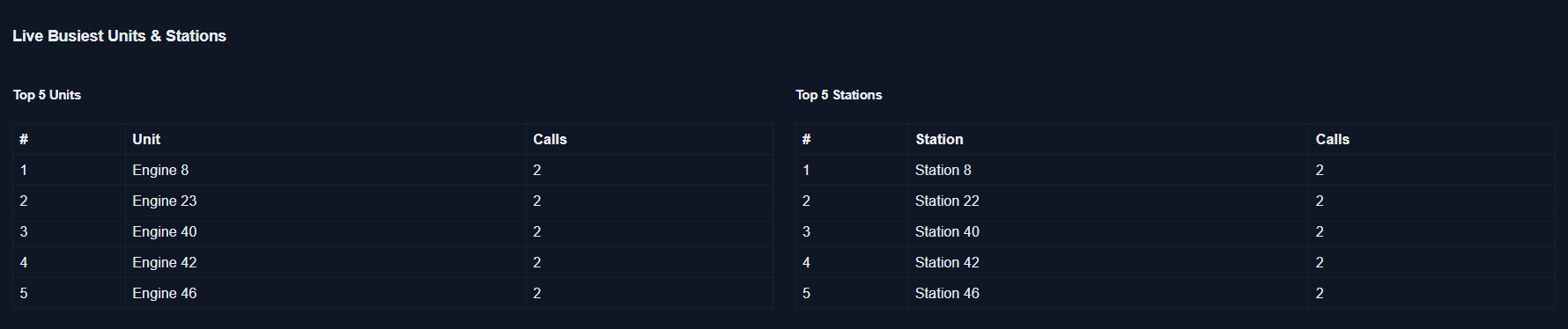
Track everything through live panels: Active Calls, Unit Performance, Dispatch Tools, and Top 5 busiest units/stations. After your 24-hour shift ends, review your department’s performance.
A clean, data-driven, endlessly replayable emergency management experience.
How To Play:
Once you run game and it opens. Click the Enable Audio and Start Button and the game will appear. The left panel with show Units, the stations they are assigned to and stats. The color of the unit's row will also change based on whether they are on a call on scene or transporting (Medics).
The active call panel (Middle) is where your calls will appear. Under the ID column will be the call number. The right panel will then display your closest units. Units in the dispatch panel are assigned a color to easily find (Engines-red, Medics-blue, etc.). At the top of the dispatch panel will be the requirements to complete the call. Simply dispatch on the units in this panel you want to send. Audio will trigger at this time and dispatch those units. If you notice a station with a Engine is getting hammered with calls for EMS, you can send a Ladder company from that station (if it has one) and it will complete medical calls like an Engine.
Game has a dark/light mode (I recommend dark mode).
You can also speed up the game, but I recommend staying in normal x1. I would stay in x1 if you plan on doing Auto Dispatch.
Game is a simulated 24-hour shift and is completed in roughly 25 to 30 minutes in real time. You see the shift starts at 0700 and doesn't end till it completes a 24-hour shift. Once you complete a shift calls will stop generating and you can view you units stats in the left panel or scroll all the way to bottom of page where you can see your top 5 busiest units and stations.
Then simply click Start New Shift at the top and play again!
Please feel free to leave feedback and suggestions.
Development log
- New and ImprovedNov 30, 2025

Leave a comment
Log in with itch.io to leave a comment.